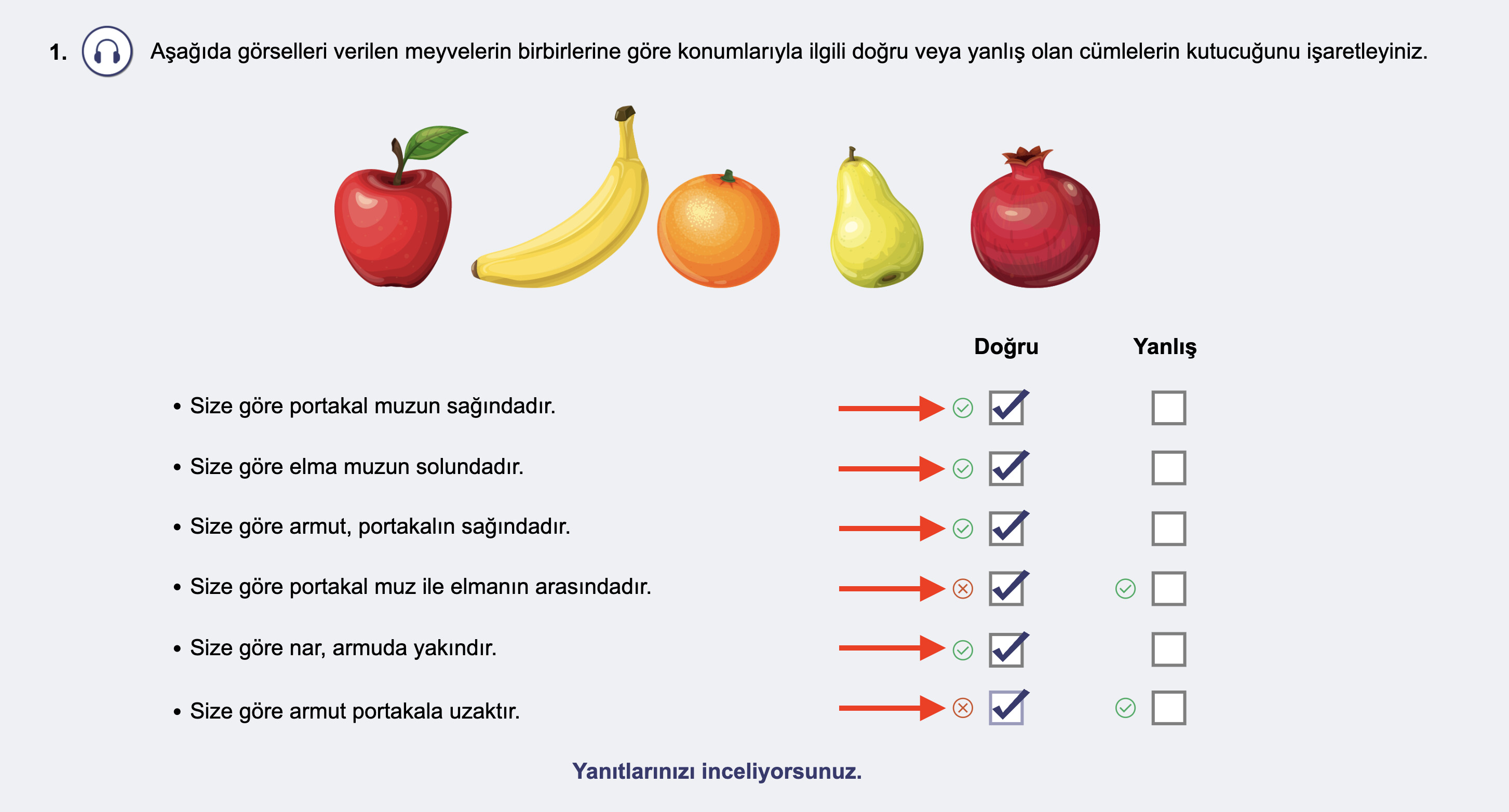
Hello, I want to enlarge the check and cross symbols, which I display with red arrows, in multiple choice or multiple response question types in Review mode. I don’t want the visual to change; I just want them to increase in size. How can I do this?
Hi,
To enlarge these images, go to:
C:\Program Files\ATOMI\ActivePresenter\templates\html5\skin
Then choose the player’s preset.
For example, I choose Media-Thin:
C:\Program Files\ATOMI\ActivePresenter\templates\html5\skin\Media-Thin\player\images
Then edit the image.

Hope this helps,
1 Like
Thank you. If I want to change the image, how or where can I change it?
Please check out this thread for additional guidance: Changing the icon in Review Mode