I want to change the correct and incorrect icons that appear in Review mode. I’m editing an svg file, but when I add it to the root folder, it doesn’t work. How can I fix this? The svg files in the root folder don’t appear to be the same size as the svg file I created. Can I find out the dimensions of the correct and incorrect svg files in the root file? For example, I’m attaching two photos. One is the svg in the root file, and the second is the svg file I created. You can see the difference.
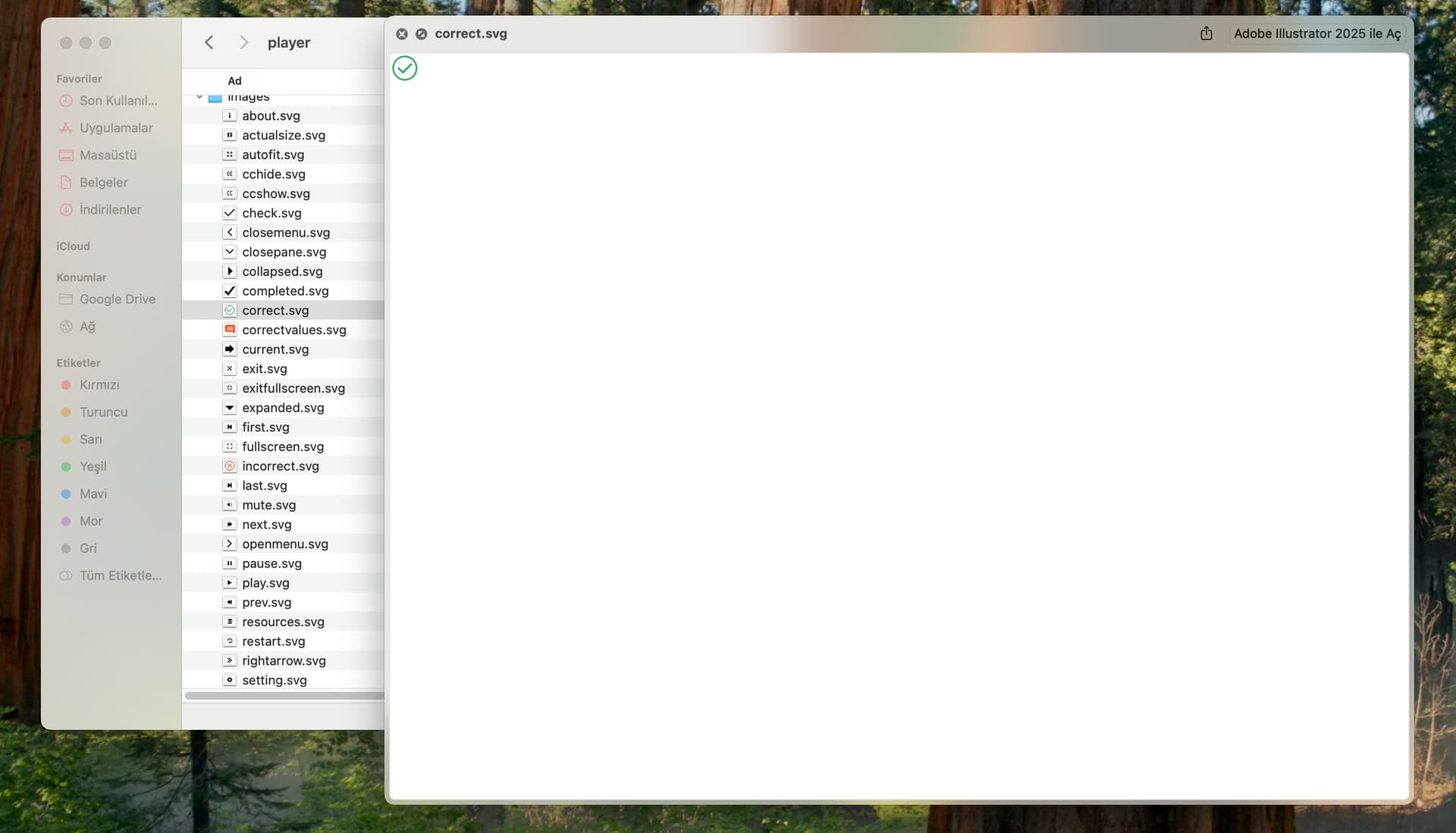
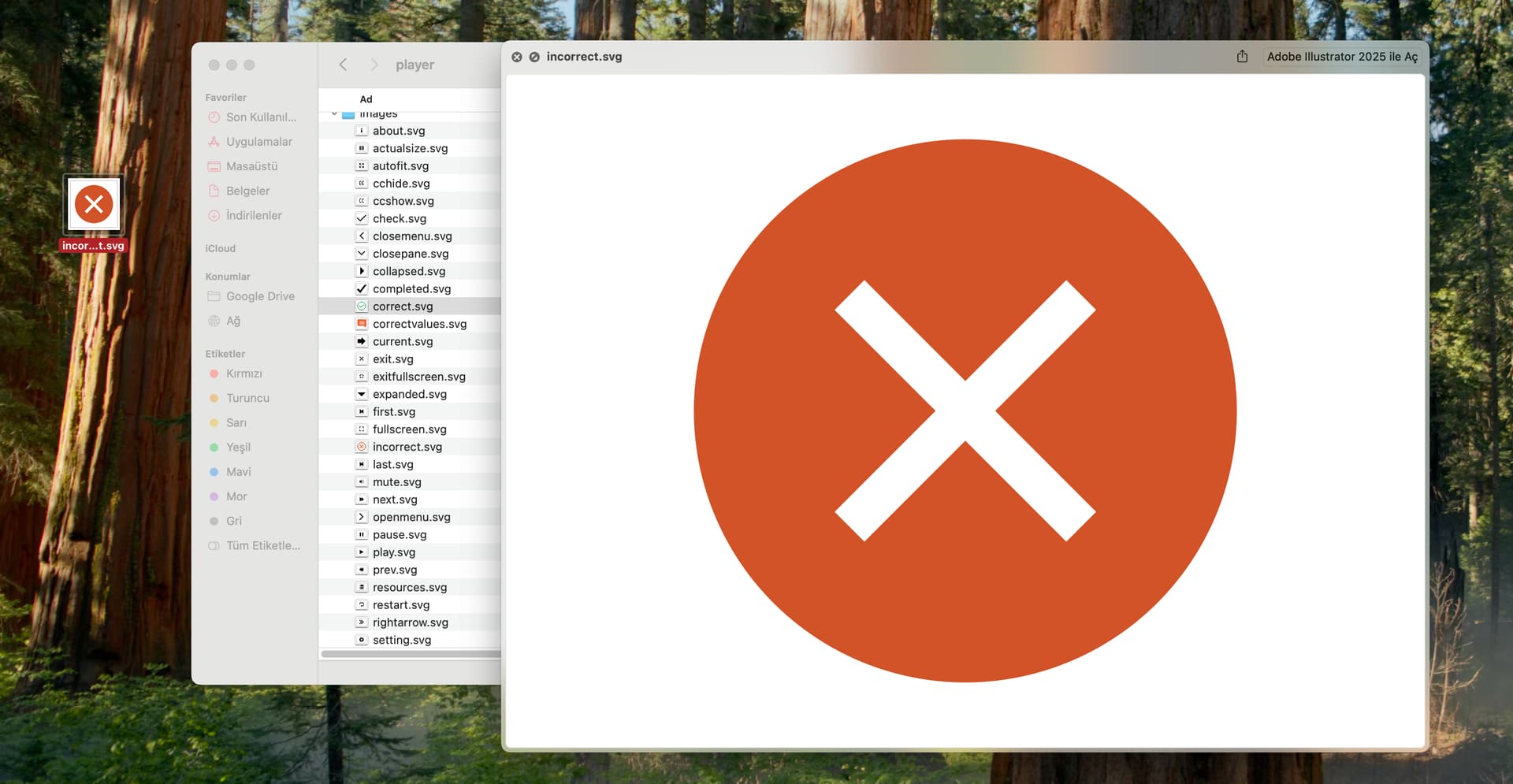
@Hang @QuynhAnh_Vu @gregs @PhuongThuy_Le @emrahdirek