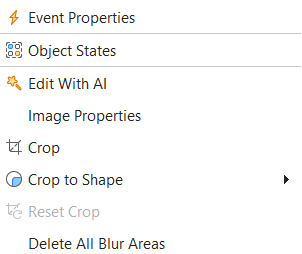
I have been using active presenter for years at this point. Before the latest updates, I could just right click an image in my slide and there was a nice crop option which allowed me to customize images directly in the slide, just like we do on Microsoft ppt.
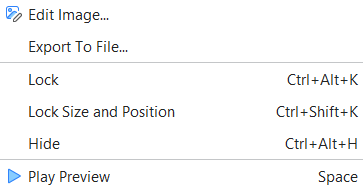
Now it seems that they have removed that option and cropping has to be done via a frustuating new window called “edit image”?
This option is still kept in the latest version. We do not remove it.
We have checked on various devices to see if this is a bug and found no issue like yours.
Thus, please check again. There are Crop, Crop to Shape (at the top features), and Edit Image (at the bottom features) options when you right-click the image.