Hello,
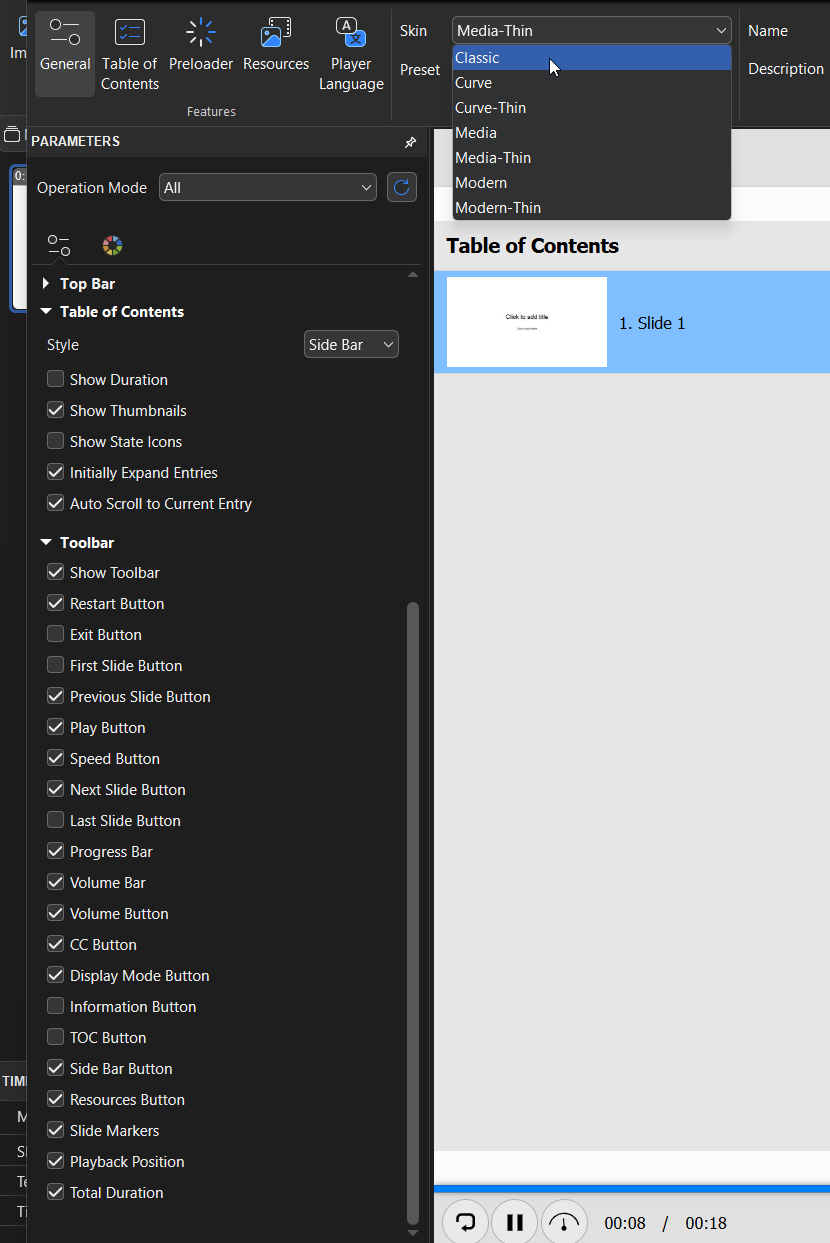
I would like to know if it is possible to adjust or reduce the size of the main toolbar displayed at the bottom of the course. In its current form, it takes up quite a lot of vertical space, which can be visually heavy, especially when combined with other interface elements.
Is there a setting or workaround—either in the player options, theme customization, or via CSS—that would allow us to make the toolbar more compact?
Thank you in advance for your support!