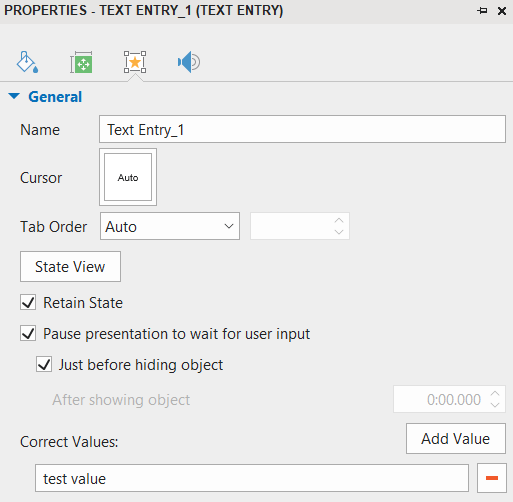
Problem: I am using “Record Screen - Interactive Simulation” to record an interactive demo explaining the way a website works. When the interactive simulation is added to the presentation, it will not let me type into the Text Field. I have an old presentation where the text entry does work; I am comparing current settings and they are exactly the same. In the same interactive simulation, the mouse-click does work. I was recording the whole screen and it was automatically reducing the size to fit into the presentation…then I just recorded a small window and the same thing happened again. I am beating my head against a wall trying to figure out what is wrong. Please help!
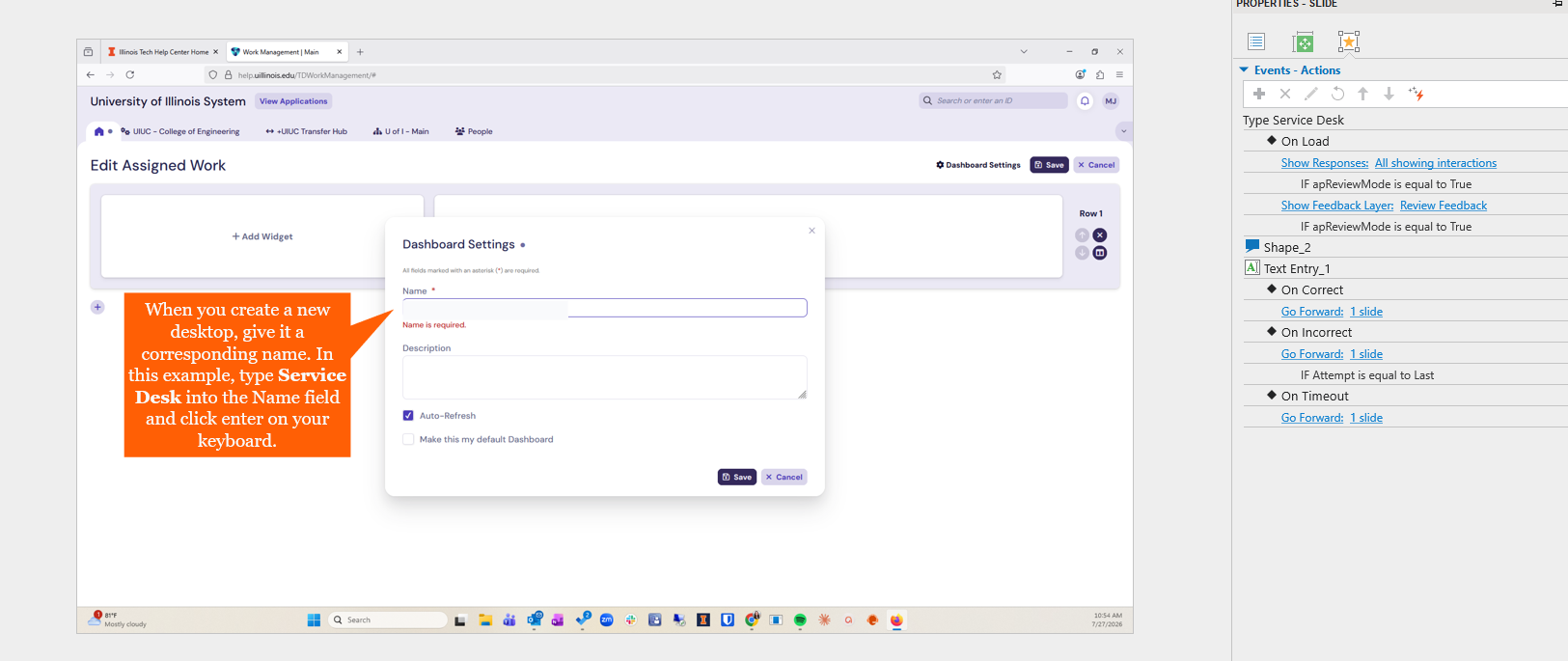
ActivePresenter version: 9.4.0
OS: Windows 11
Notes: