Problem:
Hi All, I have recorded a meeting and after finishing it was all good, but a couple days after I’ve tried to open the project to edit it and got this message saying “Resource file not found: some location, though the audios are there ! please i need help
ActivePresenter version:
windows,
Notes:
Hi,
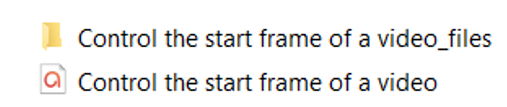
This often occurs when the project file (*.approj) is not located in the same folder as its corresponding external data folder.
For your information, ActivePresenter stores large audio/video resources in an external data folder named PROJECT_FILE_files, which is located relative to the project file. This folder is created when an audio or video resource exceeds 50 MB (you can adjust this threshold in Preferences > Miscellaneous > Save external resource).
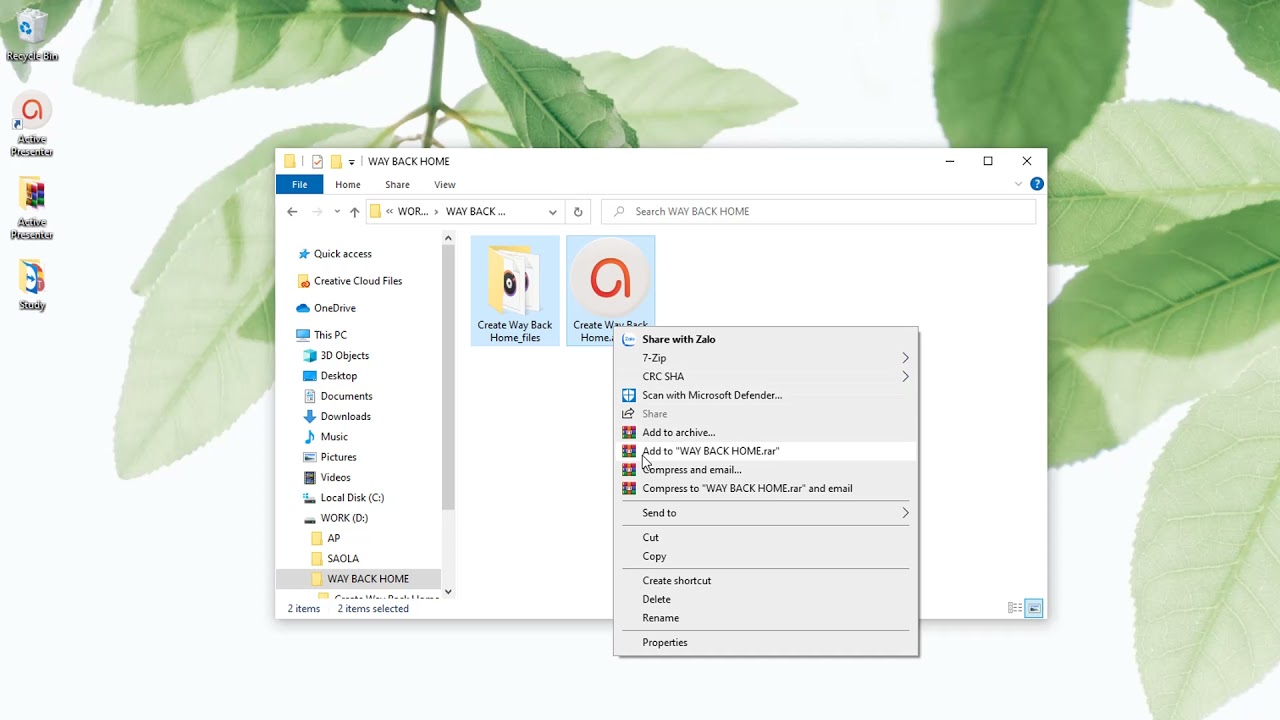
To resolve this, kindly move the external data folder to the same location as the project file like below.
For more detail, kindly take a look at this quick video:
BR,
Thuy
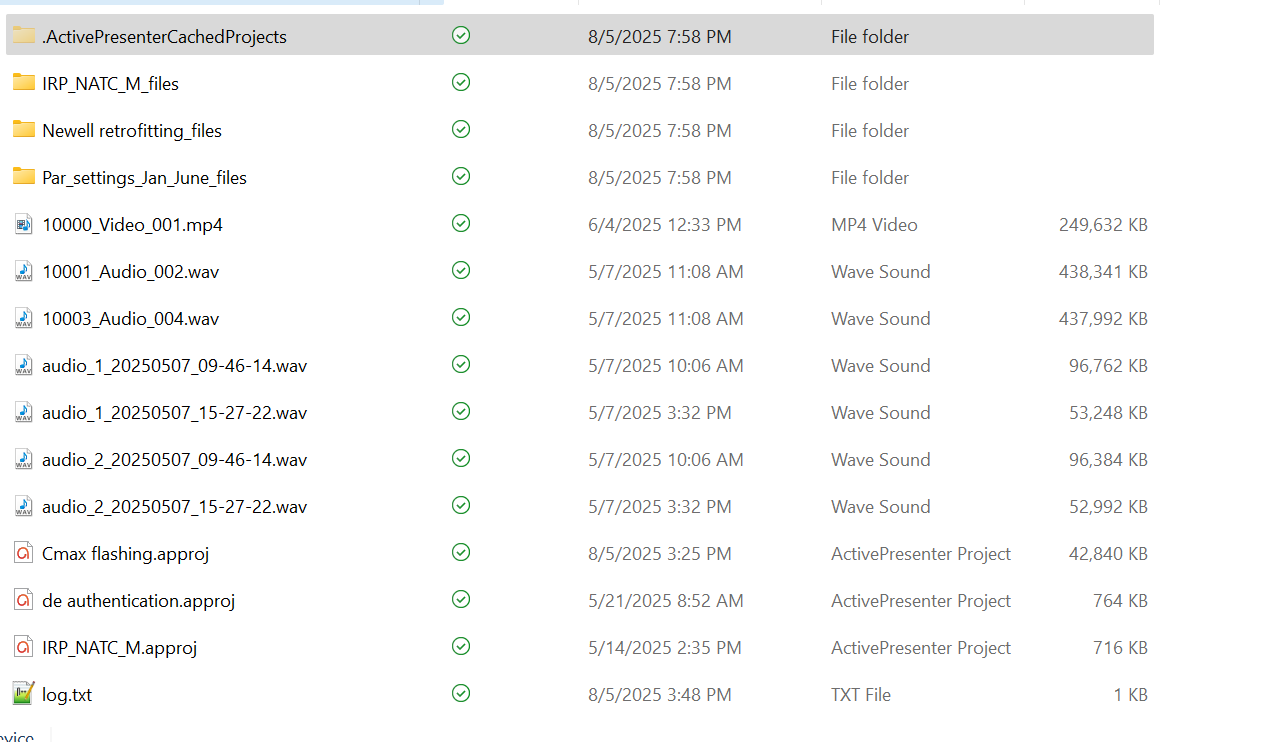
Thank you so much for the information; it’s very helpful. The issue is that I have some empty files and a cache folder, and some MP4 files won’t even open. Is there a way to contact technical support so I can call them and share my screen? and some of the recordings have lost size!
Hi @Sarah_Rousan,
You can try accessing the “.ActivePresenterCachedProjects” folder > copying audio/videos in that folder (if any) to another folder > opening with ActivePresenter for editing.
We also received your email through support@atomisystems.com. Please note that:
- ActivePresenter is mainly designed for creating training tutorials that normally have a duration of around 30 minutes. It has not been tested well for recording very long sessions yet.
- ActivePresenter is a desktop-based application. So, you should install and runs locally on your machine**.
BR,
Good morning Thuy Le,
Thank you for your response. Would it be possible to schedule a Zoom meeting (sent you an email) so I can share my screen and show you the error? I followed your feedback using the link provided, but I was not successful in previewing the record
I moved also the files to my D drive and still no luck 
Thanks alot for your support
Hi,
I’ve responded to your email. Kindly check it.
BR,