Hello all!
Looking for some advice here on something weird happening with a project I’m working on.
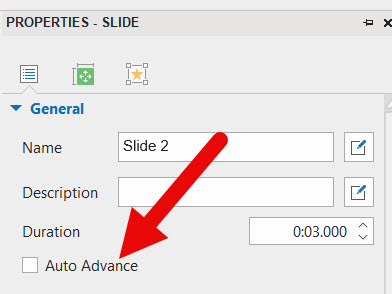
I have a start slide, an objective slide with a continue button (slide 2), a basic slide with images, audio and no continue button as it is auto advance (slide 3), then another basic slide with images, audio and a continue button (slide 4) and then a basic slide with images appearing on the timeline with audio and a continue button (slide 5). After that there are quiz questions, but my problem is with slides 2,3,4. Nothing crazy here or unusual, just audio, images, and continue buttons (except for the auto advance slide).
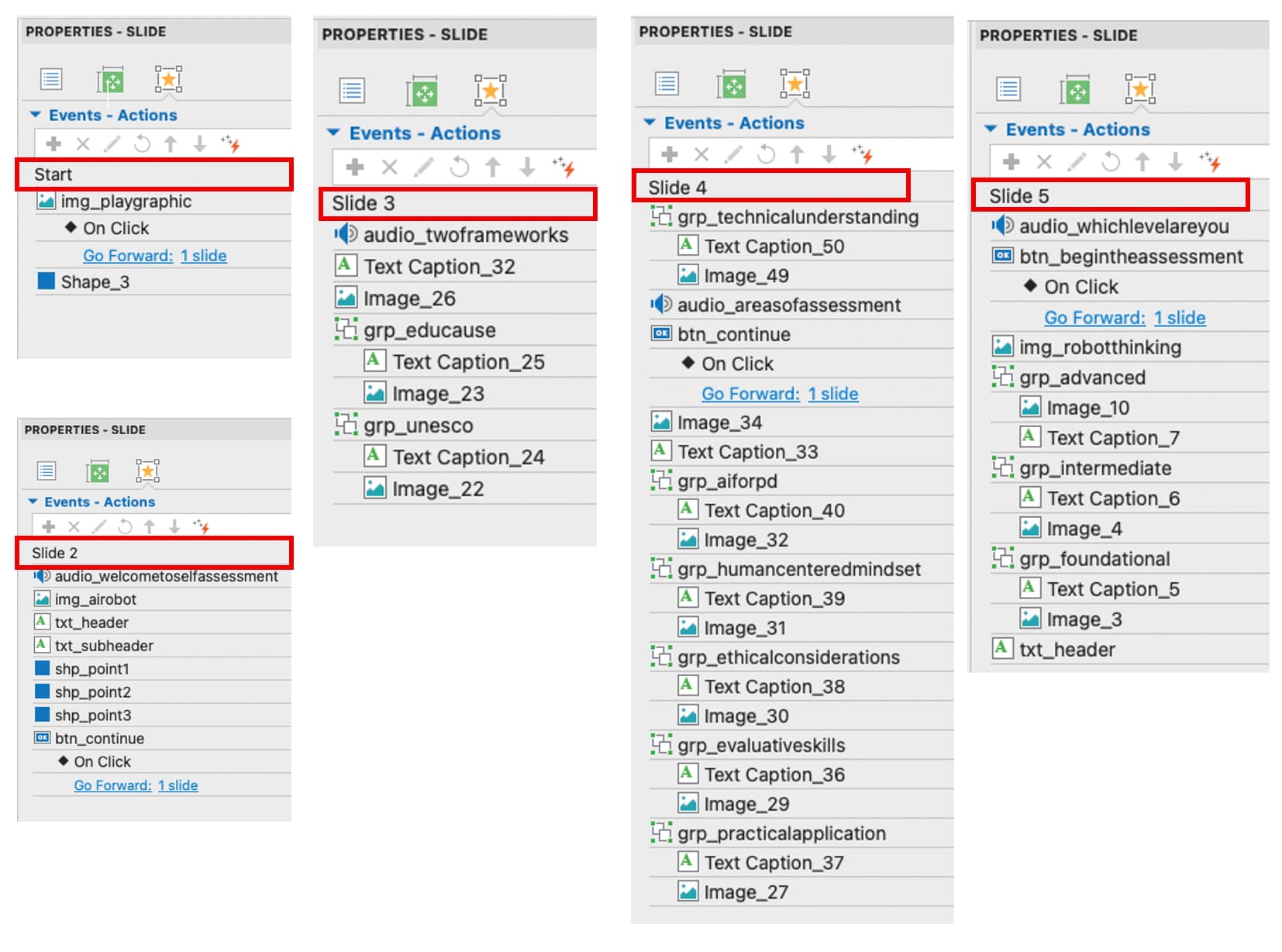
When I preview the HTML, however, and when I upload it to the LMS, I can click on slides 2,3,4 and advance the project, even before the images load or the audio is finished. I’m not even clicking where the continue buttons are: clicking anywhere on the slide at any point during the timeline will just advance it to the next slide as if the entire slide is a clickable button from start to finish. On slide 5, that stops (nothing happens when I click on slide 5 until the continue button appears and is clicked, as is supposed to be the case). I don’t see anything radically different I’ve done on slides 2,3,4 compared to slide 5 (or compared to any other project I’ve done).
Any ideas??
Thanks in advance!
samamara