Problem:
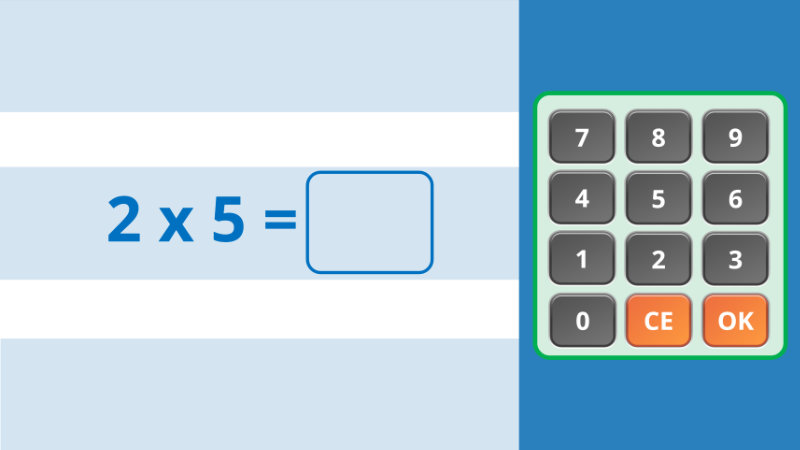
I’m trying to build an application for practising times tables. Since I want the application to run on mobile as well as PC, I’m making it for keyboard and mouse/touch.
The application works fine, except for one thing:
When the user types any letter on the keyboard, it’s being registrered as the number 2.
Take a look at the attached approj file. Anyone any ideas?
- The numbers on the screen-keypad add the corresponding number to a variable.
- I’ve used key strokes for all the numbers, to be able to record the input from the keyboard.
- I could add keystrokes for all the letters and then add not a single action to them to prevent them from doing anything, but that seems a bit silly.
test keypad.approj (2.0 MB)
ActivePresenter version:
AP 10.6.1
OS:
Windows 11 PRO 26H2