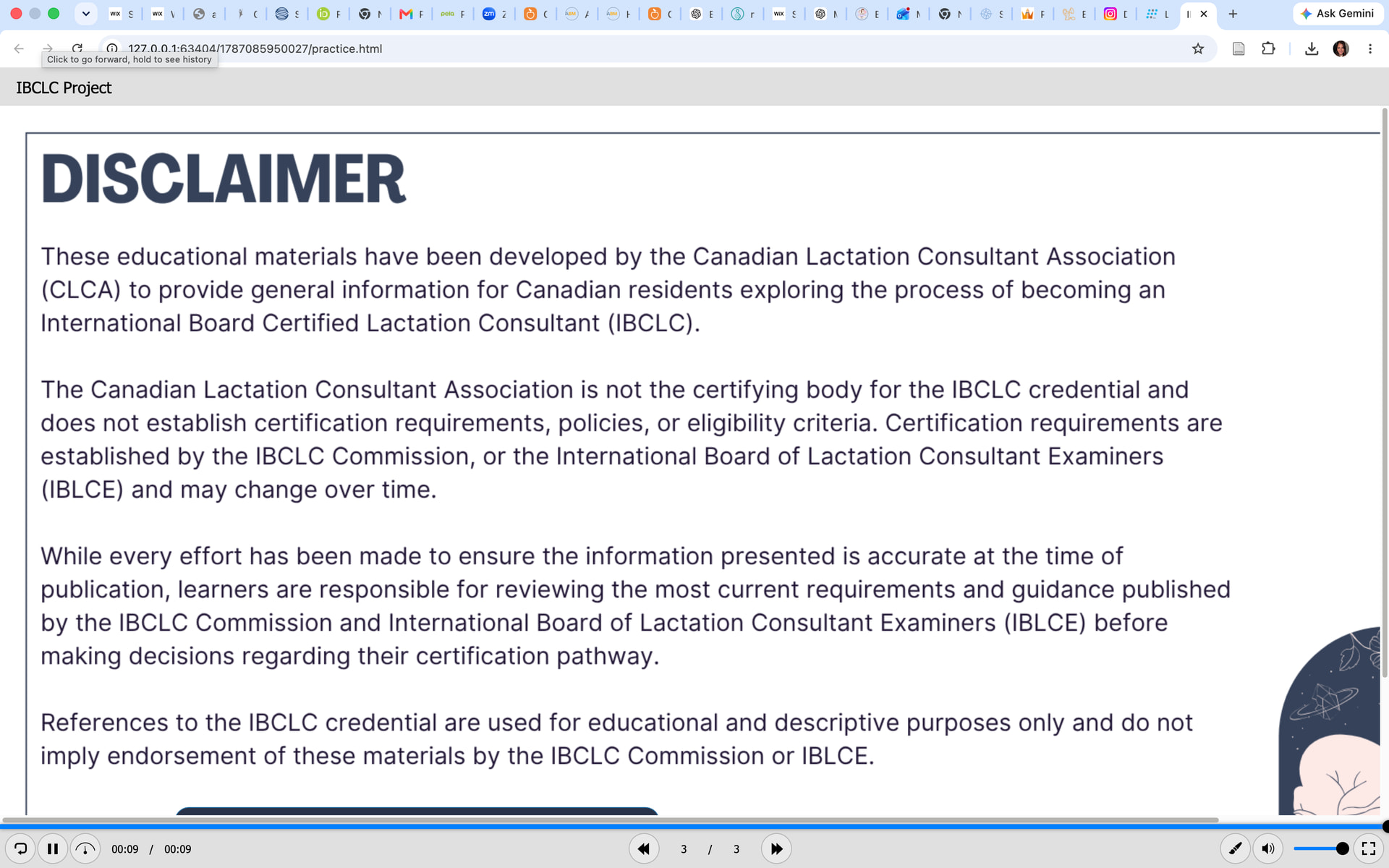
Problem: When I try to preview my project, it’s like it’s too large for my viewer. I can always zoom out, but on our website i’d like it to not show so big and needing to scroll. Do I need to format the size differently? And since it’s Desktop 1920 x 1080, then the viewport is 1920, im not sure what i should be decreasing to make it fully viewable every time i preview. Apologies as I come from using Articulate Storyline and Adobe Captivate, and am newer to Active Presenter.
ActivePresenter version: 10.5.1
OS: Mac
Notes: It says im a new user so it wont let me upload the project.