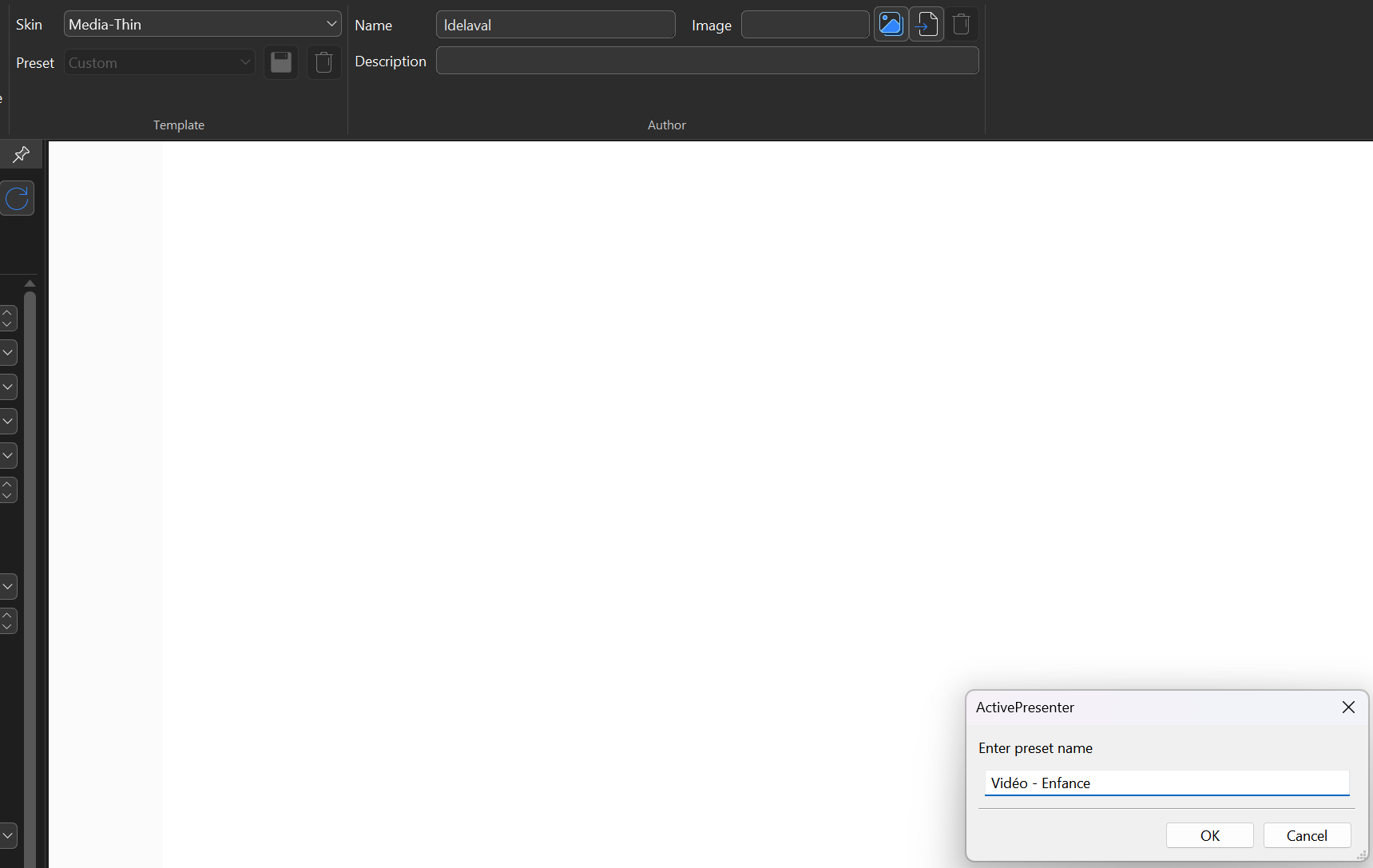
We’ve tested several cases but were unable to reproduce the issue you described.
Could you please confirm the exact steps? For example, did you save and open the project in version 9 successfully, but encounter the issue after opening it in version 10? Or did you save the project in version 10 and then find that it could not be opened?
Is it possible that the project was not saved? The setting is stored within each project file. If you have saved the project and the issue still occurs, please send us the project file along with a screenshot of the player settings at the time of saving to support@atomisystems.com so we can investigate further. If the files are large, you can upload them to a cloud storage service like Google Drive or Dropbox and send the download link to us.
Are you saying that now, I can’t save a player settings to be used by multiple projects ? Like my players setting are always the same for a type of project. I have 3 differents that I use every time.
ActivePresenter saves custom presets in the app settings, so you can easily find them in the preset list. It’s also possible that the project wasn’t saved, which might be why you’re unable to select it.