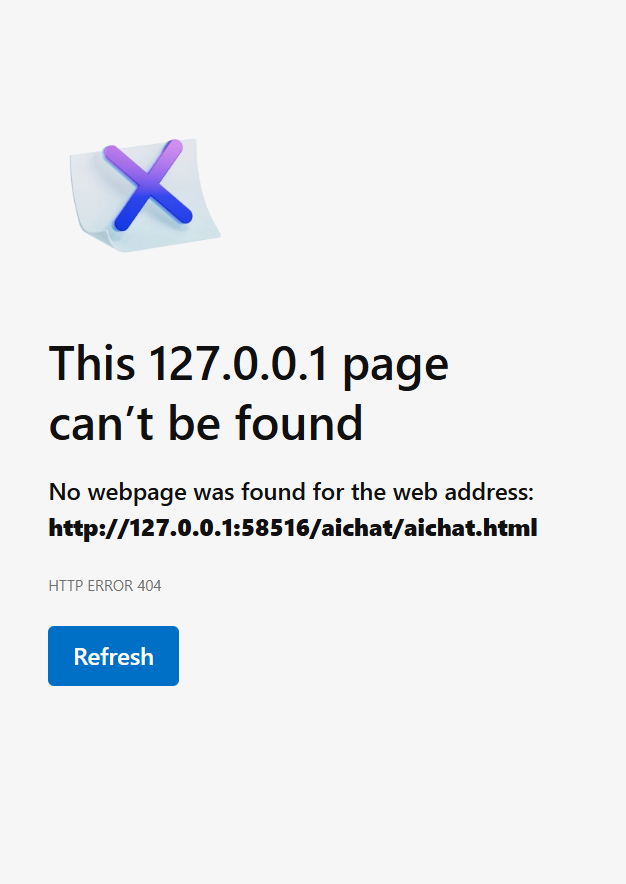
When I click to HTML5 preview i get:
This 127.0.0.1 page can’t be found
No webpage was found for the web address: http://127.0.0.1:58516/1784290382052/tutorial.html
AI chat does not work as well.
When I click to HTML5 preview i get:
No webpage was found for the web address: http://127.0.0.1:58516/1784290382052/tutorial.html
AI chat does not work as well.
Hi,
Thank you for contacting us.
To help us investigate the issue, could you please try the following and let us know the results?
Please temporarily disable any firewall, antivirus software, and browser extensions, then test HTML5 Preview again.
Please copy the preview URL and try opening it in a different browser.
Close ActivePresenter, reopen it, create a new blank project, and run HTML5 Preview.
If the blank project previews successfully, please try previewing the original project again.
Finally, please send us the log file:
We look forward to your reply.
Best regards,
Hoa
Hi all,
Tried and without success.
NEW USERS DO NOT HAVE THE RIGHT TO UPLOAD FILES. So i can not upload the log.
Best regards,
Bronislav Šopík
You can send via email to support@atomisystems.com
Regards,
Hello,
We have checked the issue and confirmed that it is caused by special characters in the Windows user profile path.
ActivePresenter currently has no setting to change its preview folder.
As a temporary workaround, please run ActivePresenter from a Windows account whose user profile name contains only English letters, for example:
C:\Users\APUser
We will address this issue in a future update.
Best Regards,
Giang
Hello,
This issue has been fixed in ActivePresenter 10.6.0. Please update to the latest version to get the fix and explore the new features and improvements.
Best regard,