Hello ActivePresenter team,
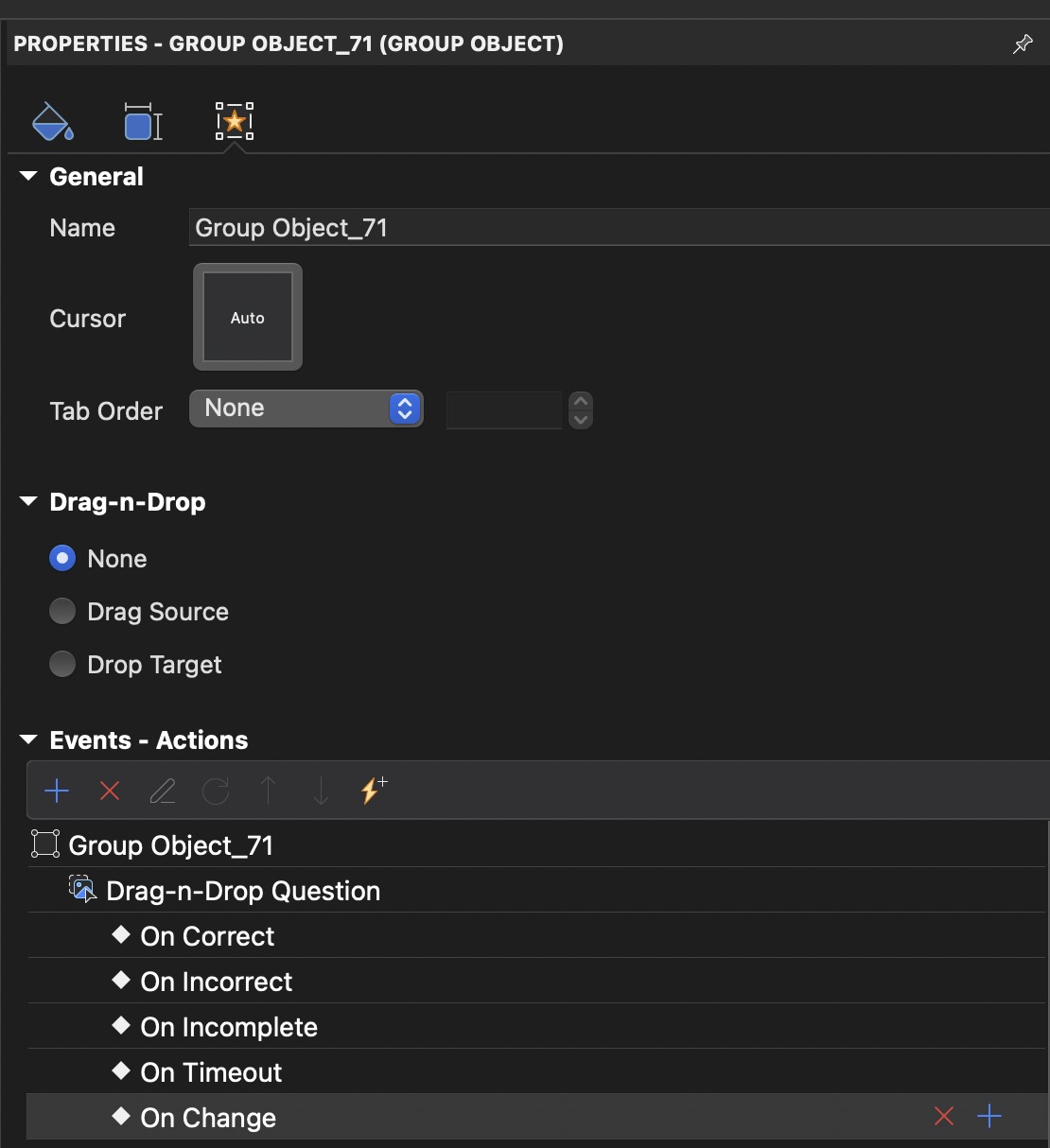
I am using ActivePresenter on macOS and I have a question regarding the Events → Actions section.
I am trying to select multiple events/actions at once in order to delete or copy them in bulk. However, I am unable to do so. I have already tried common keyboard combinations such as Command (⌘), Option (⌥), Control (⌃), and Shift, but they only allow single-item selection.
Is multi-select for events/actions supported in this section? Or is there another shortcut or method that allows bulk selection, deletion, or copying?
For reference, I have attached a screenshot showing the area I am working in.
Thank you in advance for your help.