Hi everyone,
I am facing two blocking issues while creating a project using the Tracing Question in ActivePresenter. I would really appreciate some help.
Issue 1: Systematic “Incorrect” feedback with SVG files
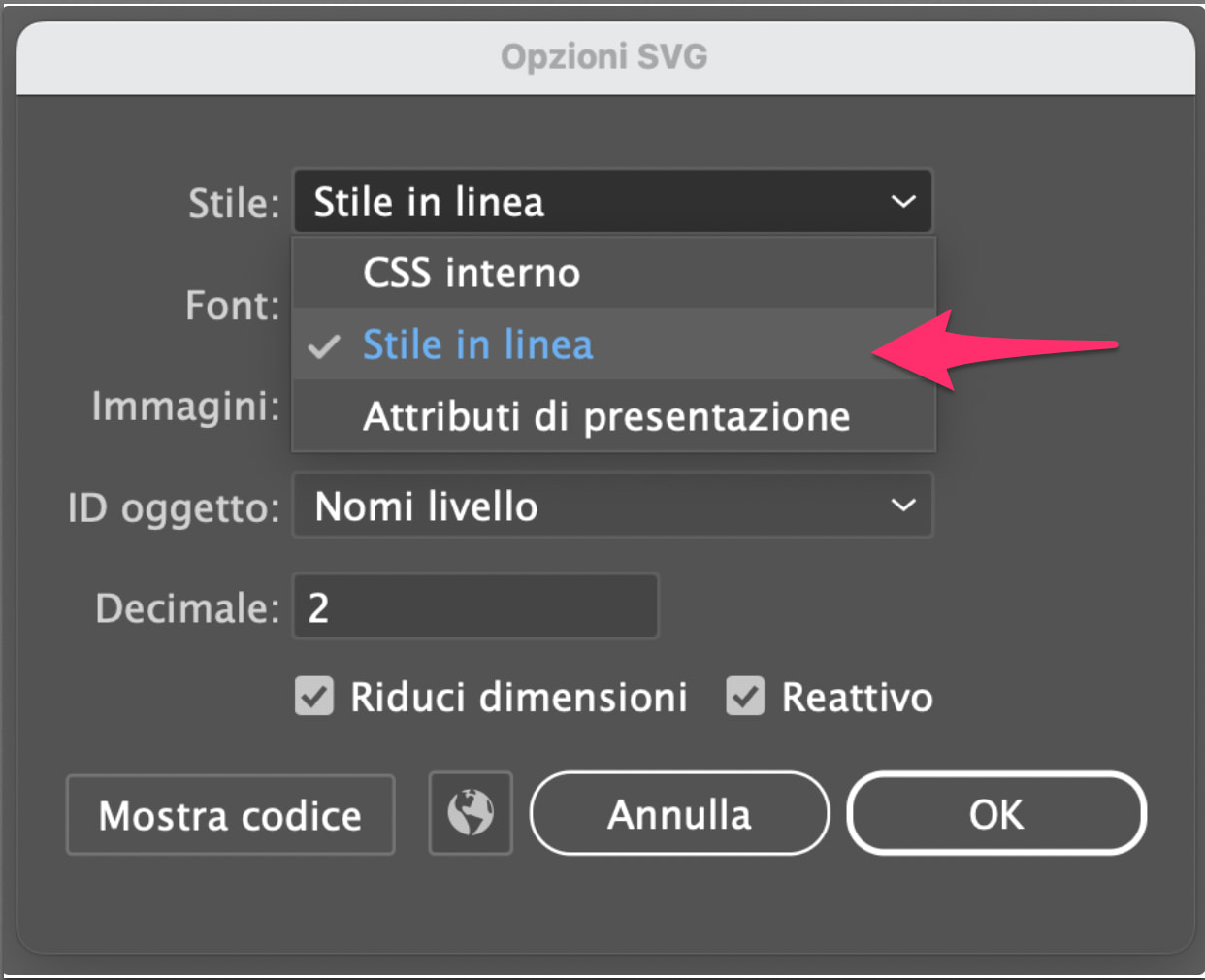
Whenever I preview or publish the project, the system constantly returns an “INCORRECT” feedback on my imported SVG image (which I drew in Adobe Illustrator), even when I trace the path with absolute precision. I have tried lowering and raising the tolerance percentage in the properties pane, but nothing changes.
• Question: Are there specific criteria or structural requirements (such as stroke/fill handling, number of nodes, or exact export settings) that an SVG file must follow to be processed correctly by ActivePresenter’s tracing algorithm?
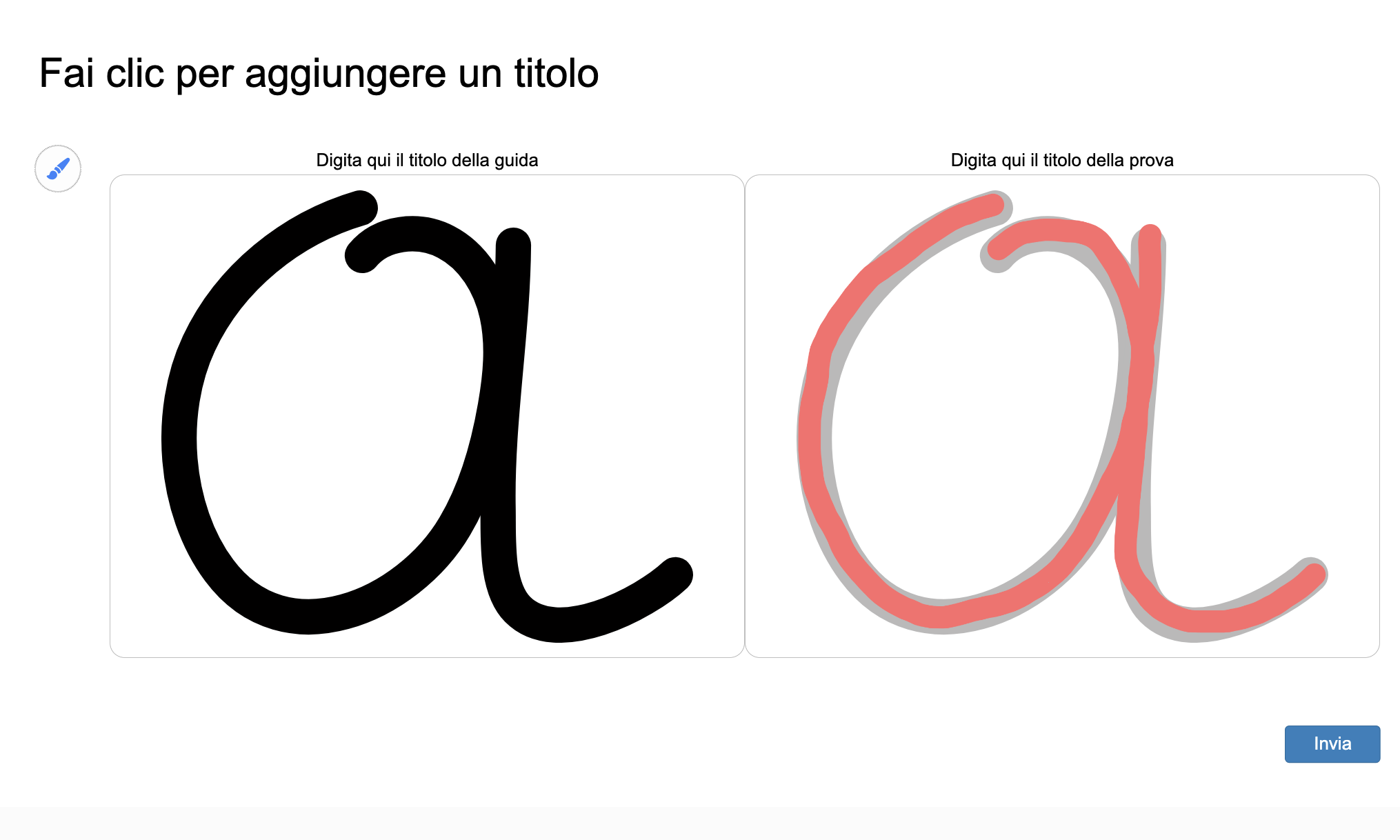
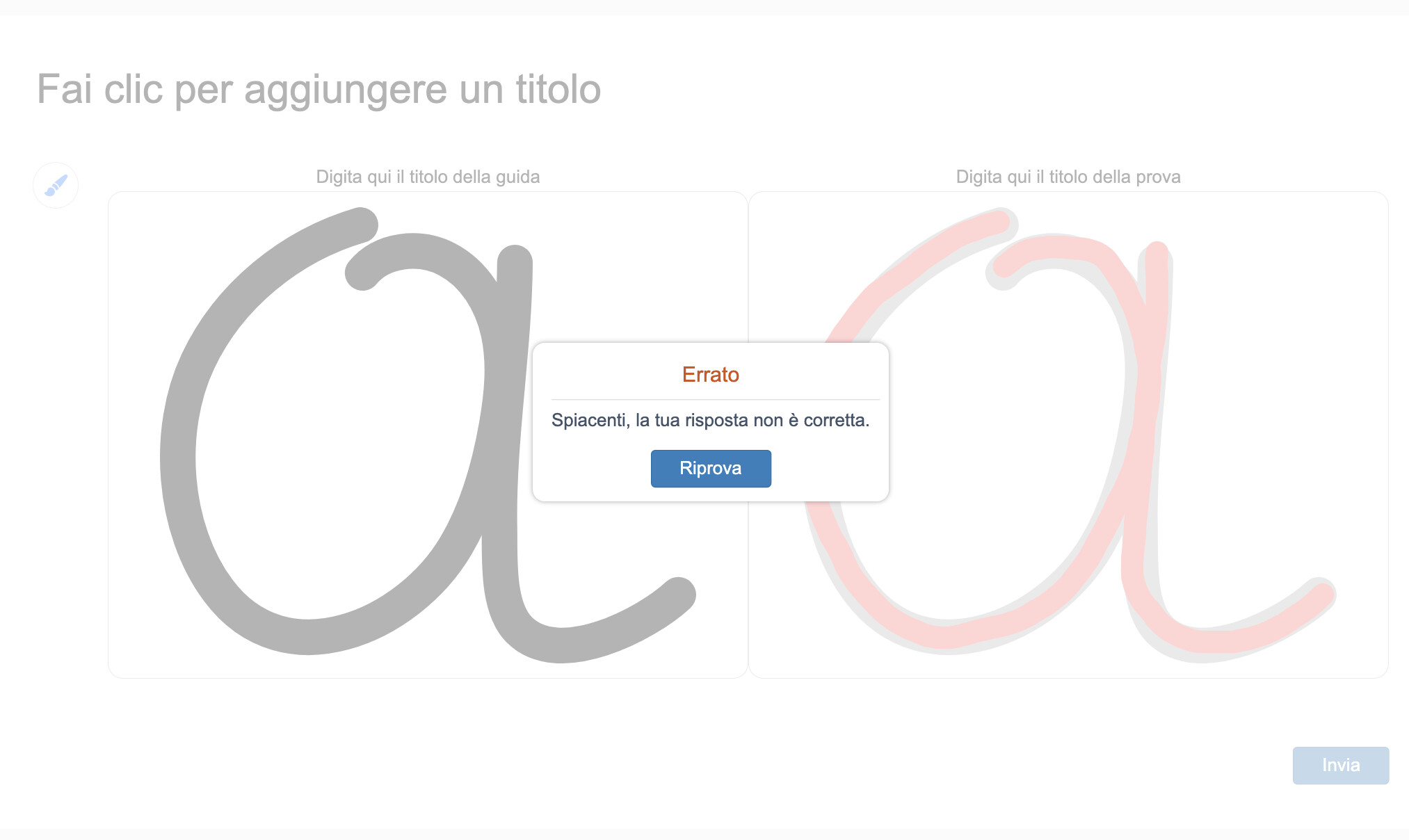
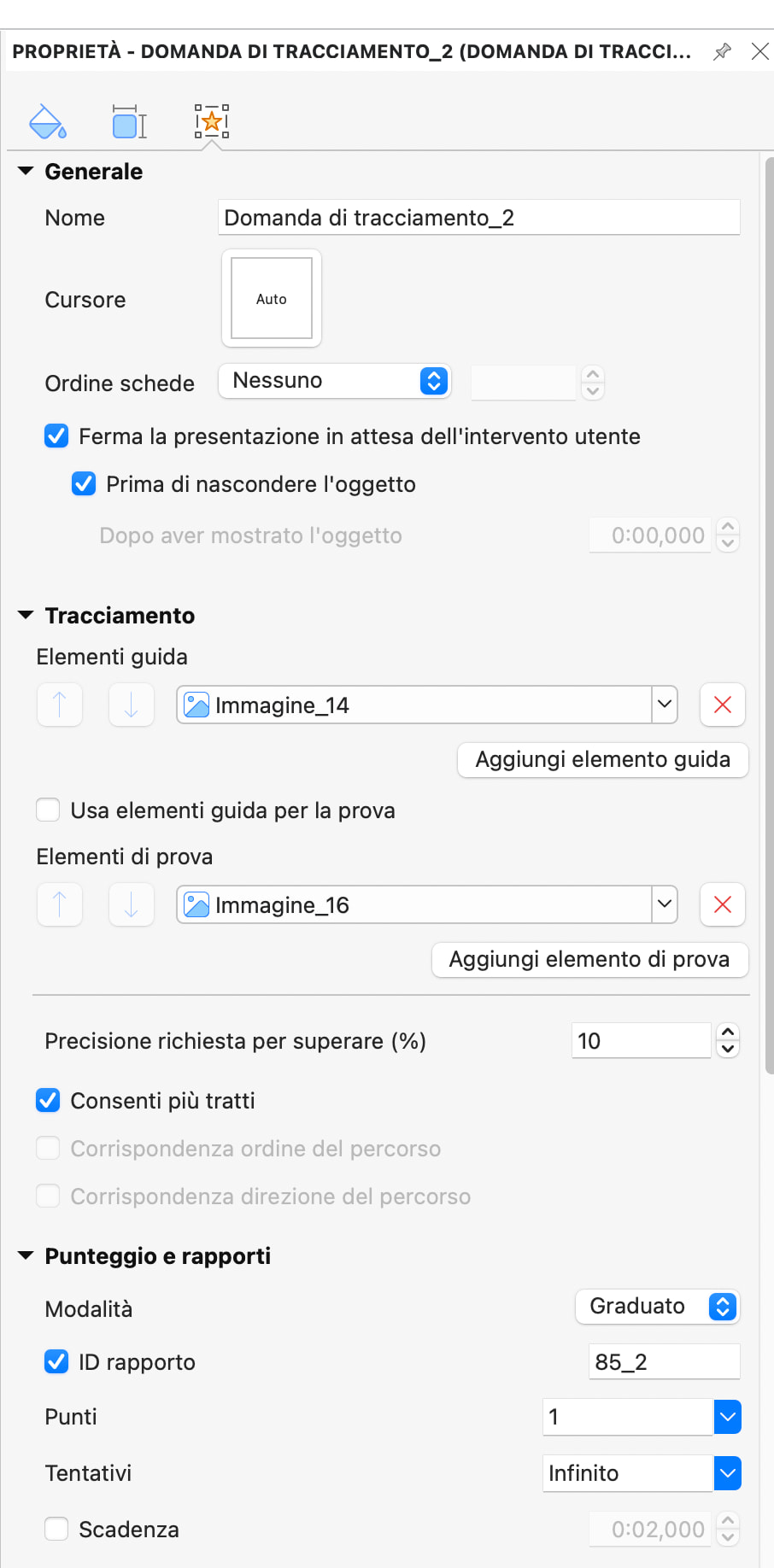
Issue 2: Freeform shapes automatically adapting and distorting inside the container
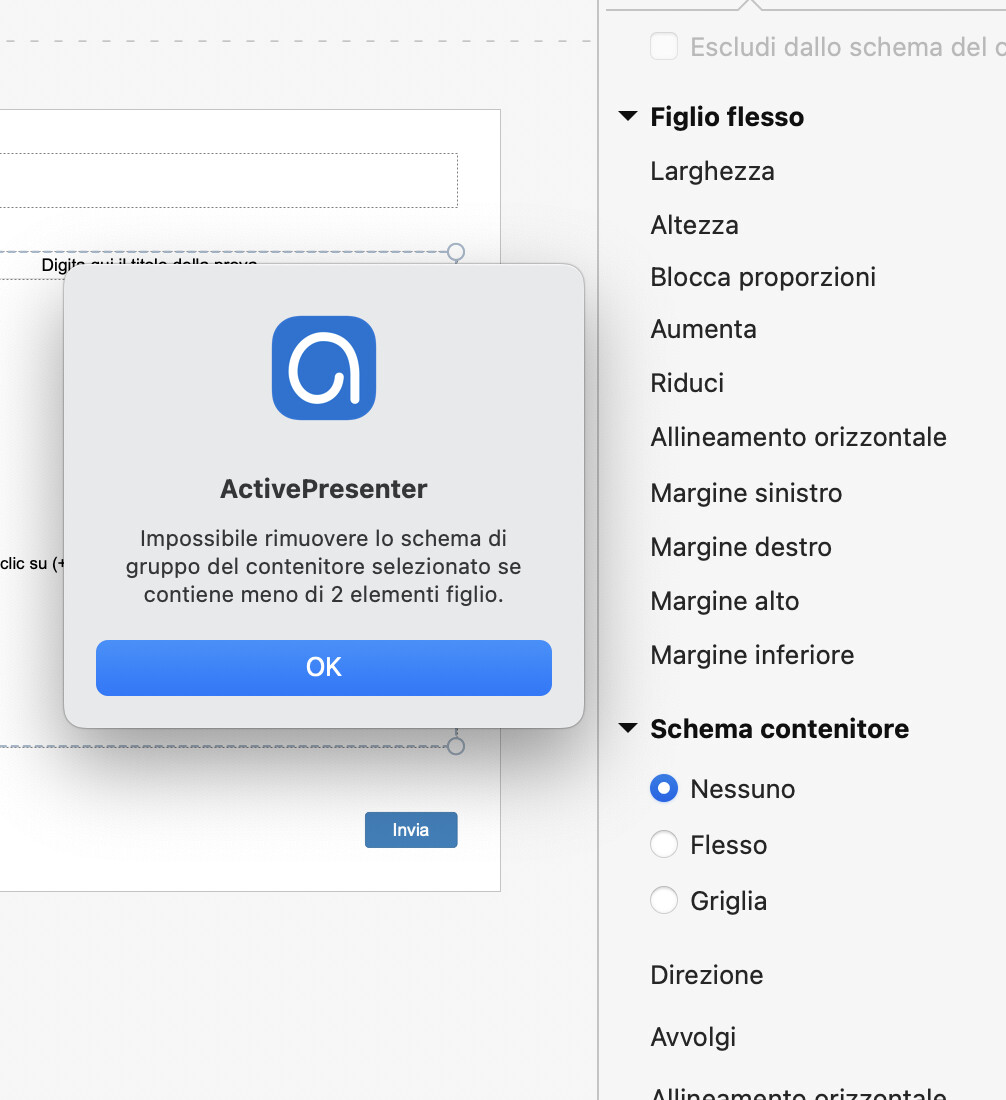
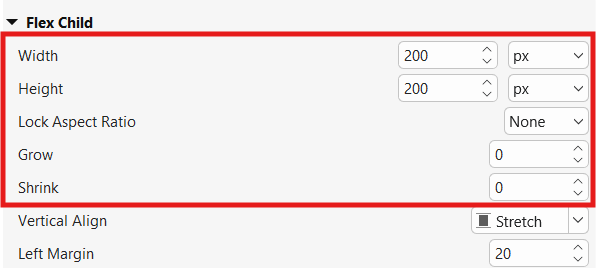
I changed the parent container layout to “None” and set fixed pixel values (px) for the child containers to prevent them from snapping back. However, when I use ActivePresenter’s native tools to draw a freeform shape inside the drawing area, as soon as I release the mouse, the shape automatically auto-adapts to fill the container space. This causes it to stretch and completely distort from my original drawing.
• Question: How can I disable this automatic stretching behavior for custom shapes drawn inside a Tracing Question container, forcing the shape to preserve its exact original look?
Thank you very much in advance for your support!