Record shorter videos to reduce the processing load.
Reduce video size by adjusting recording settings.
Update your display drivers to the latest version.
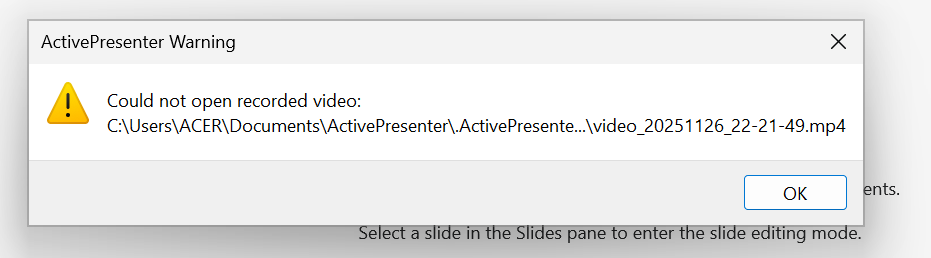
Additionally, you can try looking for the cached recorded video file in: **C:\Users\Username\Documents\ActivePresenter\.ActivePresenterCachedProjects**
Please note that “.ActivePresenterCachedProjects” is a hidden folder. You may need to enable the “Show Hidden Files” option in your file explorer to view it. If you find video files in this folder, you can copy them to another folder and then open them with ActivePresenter for editing.
To investigate your issue better, kindly attach the ActivePresenter log file here or send it to our support email address support@atomisystems.com.
To view the log, click the File button > Preferences > Miscellaneous > View Log .