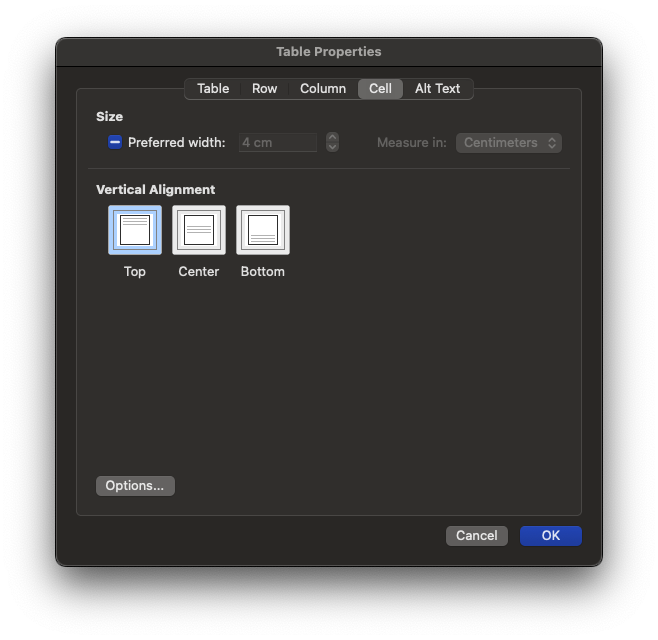
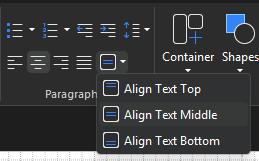
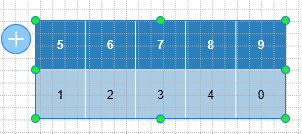
I’m creating a table in ActivePresenter and adding text inside the rows. However, I can’t find any option to set the Vertical Alignment (top, middle, bottom) for the text inside table cells.
Specifically, I would like to set the text vertical alignment to center inside the row.
Is there a way to adjust vertical alignment in table cells in ActivePresenter, similar to what we usually see in other office tools (like the setting shown in the attached screenshot)?
Thanks in advance!