Hello ActivePresenter Support Team,
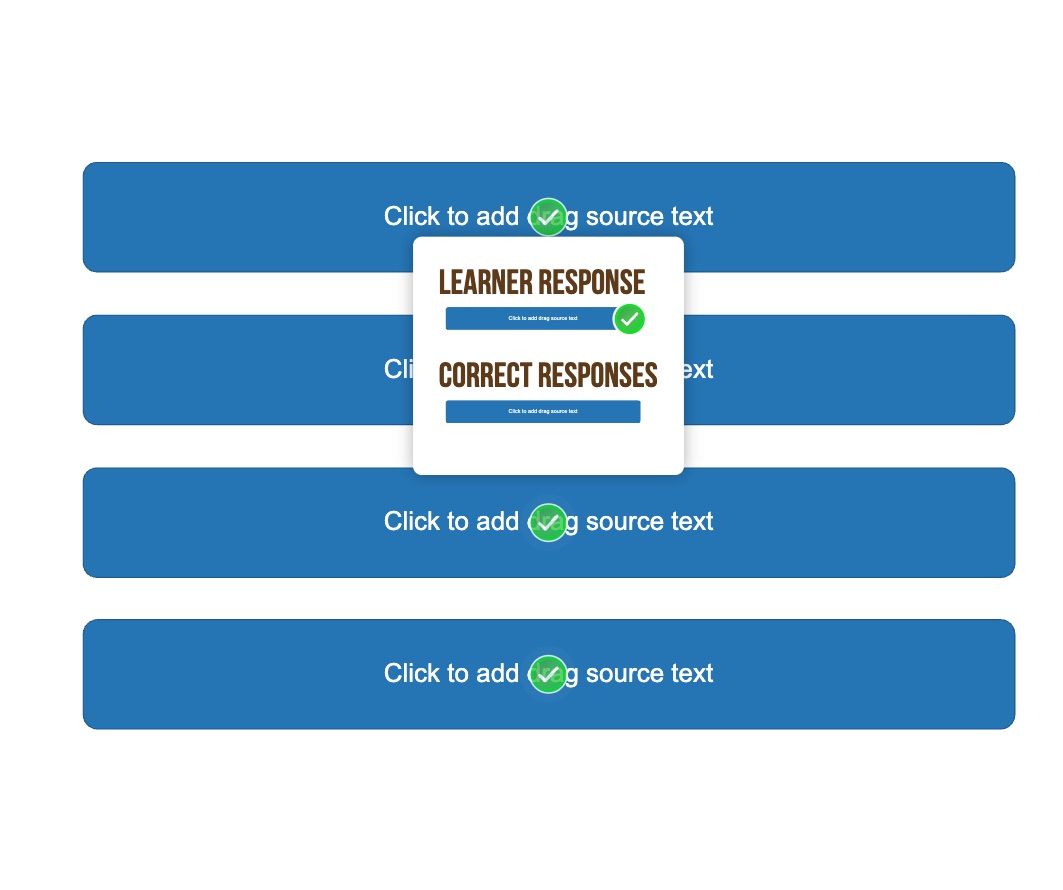
I am working on a drag-and-drop interaction and noticed that when the feedback popup appears (showing “Learner Response” and “Correct Responses”), the images inside the popup are displayed very small.
Could you please advise me on how to resize or enlarge the images within this feedback popup? I would like them to be clearly visible for learners.
Thank you for your help!
Best regards,