Hi,
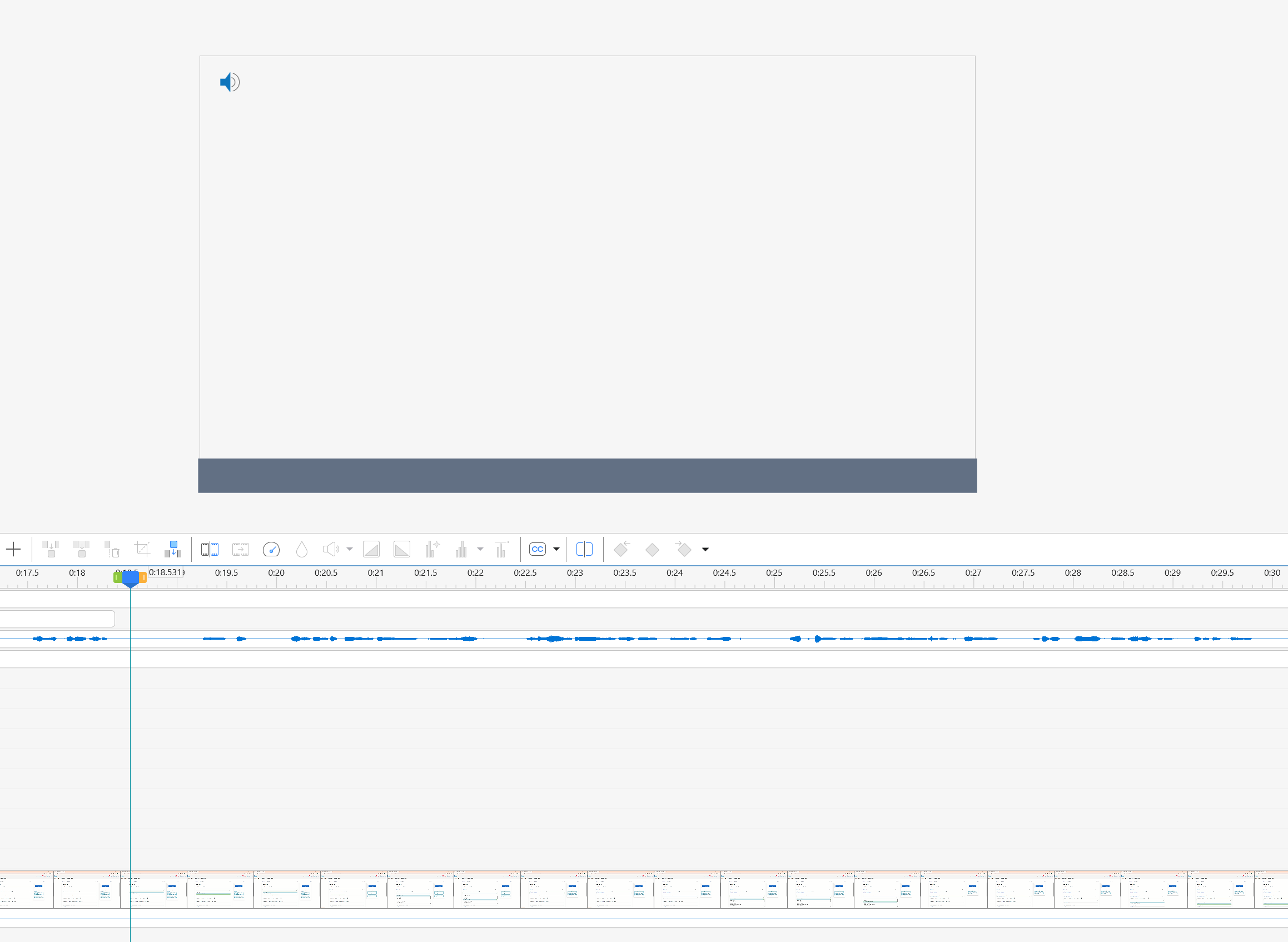
I’m having problems when editing a tutorial video. It frequently fails to display the video, so I can’t continue working on it. I have to close Active Presenter and reopen it. This often happens when I cut a section of video and move it to a different spot.
It also crashes frequently when I open other projects at the same time.
It’s frustrating and forces me to 1) save constantly and 2) restart the software regularly.
I’m using a test version because of another issue that had been resolved.
I recoreded an One hour video and after I finished recording but it says there was an error by that video as gone but I saved the error so is there any options.
Thank you for reporting this issue, and we’re sorry for the inconvenience.
We have received some crash reports that may be related to your issue. Based on our investigation, the crashes appear to be related to the graphics card or graphics driver, but we have been unable to reproduce the issue on our side.
We have implemented a fix to prevent ActivePresenter from crashing when this graphics error occurs. The fix will be included in an upcoming release.
If ActivePresenter crashes again, please enter your email address in the crash report dialog before submitting the report. This will help us identify your reports and investigate further.
We would like to let you know that the fix to prevent ActivePresenter from crashing when the graphics error occurs is included in ActivePresenter 10.6.2.
Please update to the latest version and give it a try.