Problem:
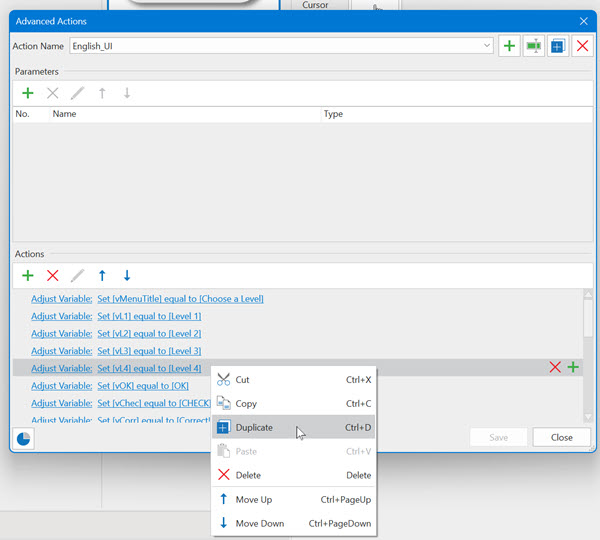
When you duplicate an action within an ‘Advanced Action’, the duplicate is placed right under the original. This is the behavior that you would expect, because it makes it very easy to find the copied action in order to edit it.
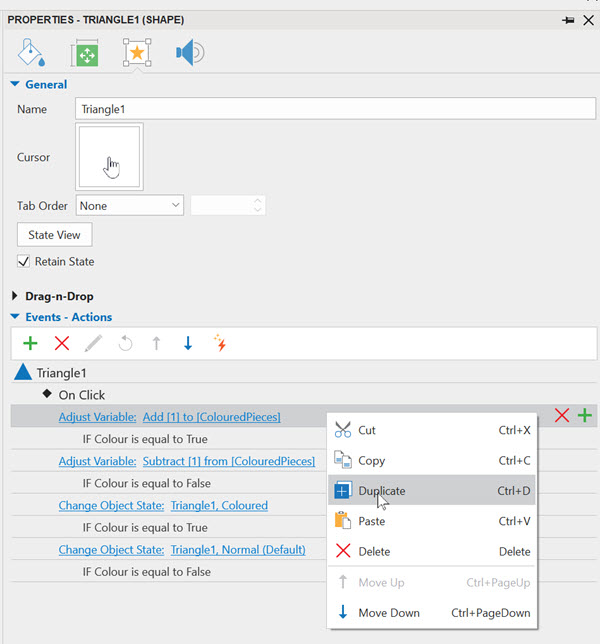
When you duplicate an action within the ‘Properties-pane’, the duplicate is placed at the bottom of the list of actions. This behavior is not consistent and it makes it hard to find the duplicated action. You then also need to drag it up to be placed in the correct order of actions.
Active Presenter version: 9.3.0
OS: Windows 11