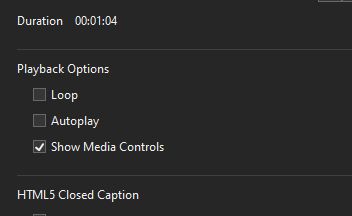
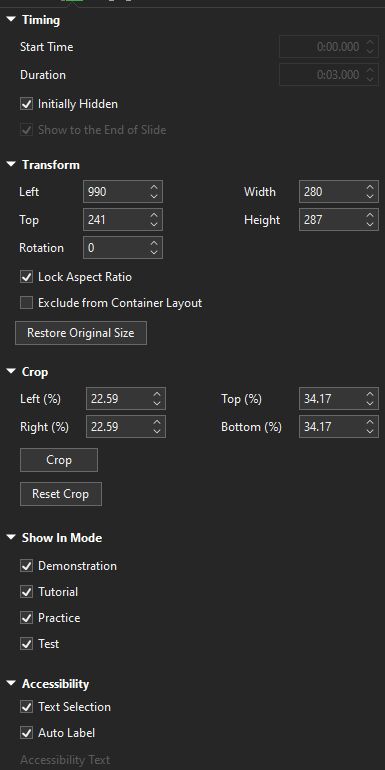
I create a interactive handbook and have some small videos inside. After rendering the project via HTML5 Preview or HTML5 as a folder, I have the issue that these videos have at the bottom or right side a black dash. I´ve insert the videos via the Insert/Video/From File function. Then cropped them. Set Show Media Control and deactivate Autoplay. Is there a way to remove these dashes? I made an example but here are the dashes grey, in the browser they are black.
Thank you for reporting this issue and for providing the example.
We tested the same workflow (inserting a video via Insert > Video > From File, cropping it, disabling Autoplay, and enabling Show Media Control), but we were unable to reproduce the black dashes on our side in either the HTML5 Preview or the exported HTML5 output.
If possible, please also send your project file and its external data folder (named PROJECT_FILE_files, if any) to support@atomisystems.com so that we can check it further.
Thank you for your reply. In the meantime, I have carried out further tests. This effect only occurs in the Edge browser, not in Chrome. So it does not seem to be an AP problem, but rather a display problem with the browser. The same thing happens with SCORM files in an LMS. I apologize for any inconvenience I may have caused.