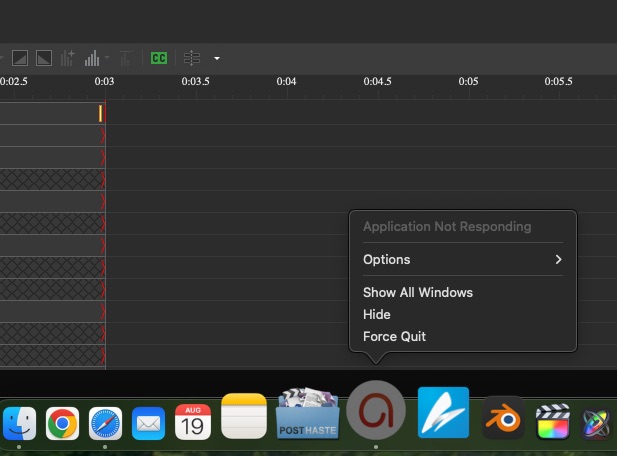
Steps to Reproduce:
- Open ActivePresenter and load any project.
- Open the “Write JavaScript Code” window (from any interactive object or event that allows scripting).
- Leave the computer idle with the JavaScript editor open.
- Allow the computer to enter Sleep mode, then wait 1–2 minutes while it remains in Sleep.
- Return to the computer after this period.
- Observe that ActivePresenter becomes unresponsive and appears frozen.
Notes:
- The freeze seems related to the JavaScript editor window being open during sleep.
- The issue reproduces consistently under these conditions.