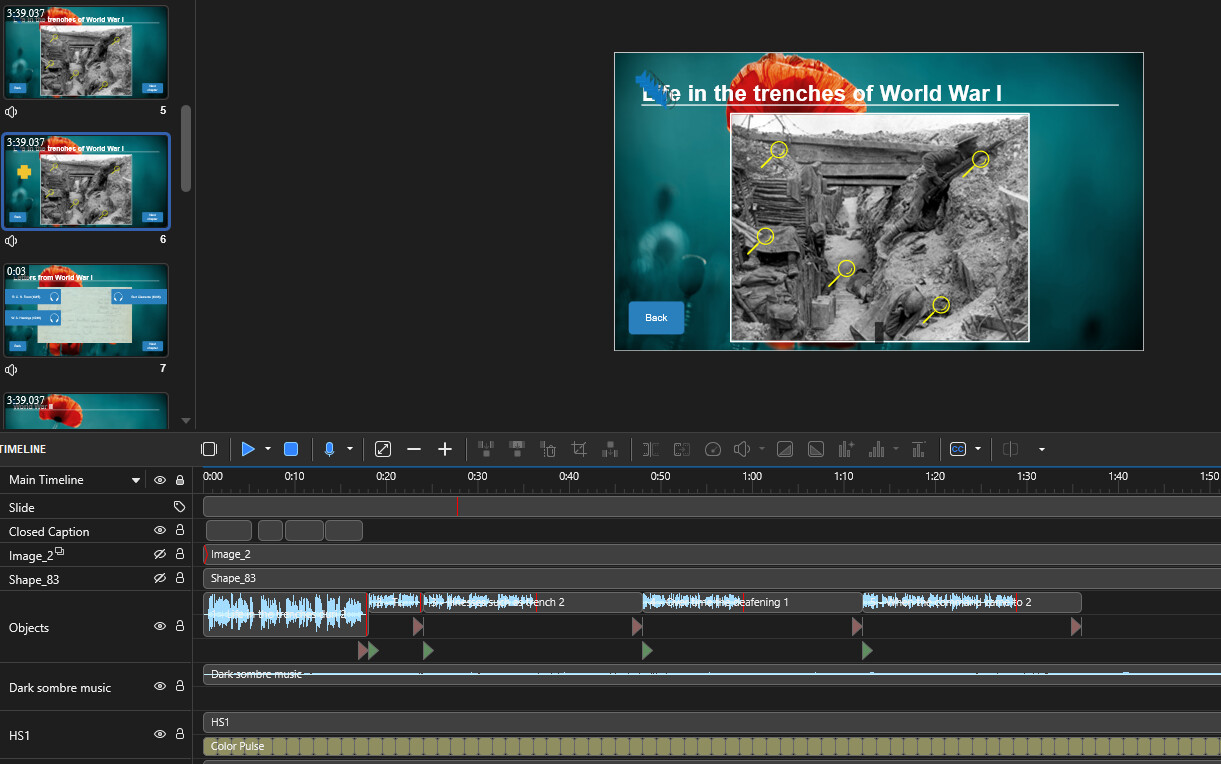
I have the following scenario: there is a slide with five hotspots. I have a corresponding audio file for each hotspot. Users can click on any hotspot in any order to listen to the audio files. However, I need to provide captions for all of them for accessibility.
I understand that there is no option to add multiple caption lines to the timeline, so I think I have to have all audio files in one line one after the other with one caption line (see screenshot).The problem is that I now need to control where the playhead starts playing from. For example, interact with hotspot 2, would move the playhead where audio 2 starts and display the captions above it.
As an alternative it would be great if:
- there was an action ‘Go to time’
- create sections on the timeline
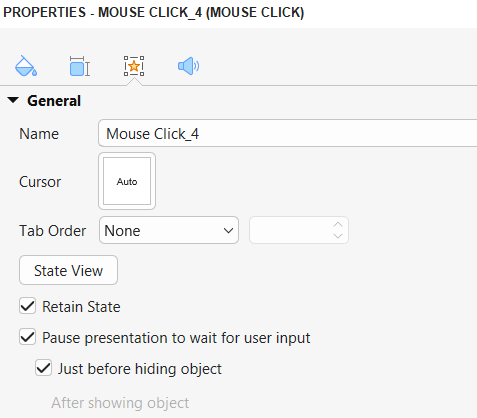
- click sequence could control where the playhead jumps for the user.
At least I haven’t seen a solution for such a scenario.