Over the last 2 months, I’ve trained 50+ people on ActivePresenter 10.
Through this one week course, many participants learned AP to the extend that they are ready for the advanced course.
What I saw too many times, is people adding way too large images in their projects and not having the knowhow on how to downsize them properly.
ActivePresenter has the abily to downscale the quality of images in projects, but not a way to automatically resize images to the appropriate dimensions.
So that’s my feature request: Automatic resizing of images
For example:
My project is set to 1280x720.
When someone is inserting an image of 2560x1440 to be use as the background of the slide, the image is 4x too large, adding a lot of unnessecary ‘weight’ to a project. It would be great if ActivePresenter could automatically resize the image to 1280x720, when the project is exported.
You’re right. At the moment, ActivePresenter doesn’t have an automatic feature to resize images to fit the slide size, as some users need large images to stay clear on high-resolution displays. We’ll consider your request and carefully evaluate the best way to implement it.
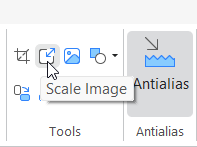
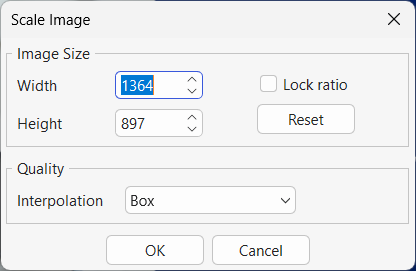
In addition to using compression in the Resources pane to downscale large images, as you mentioned, you can also resize an image to a specific size by right-clicking it and selecting Edit Image > Scale Image.