I would like to report an issue I’m experiencing frequently on macOS.
Sometimes when I close ActivePresenter using Command + Q, the application appears to quit, but it still remains shown as active in the Dock.
After that, when I try to open a project by clicking the project file in Finder, ActivePresenter does not launch again because macOS seems to think the application is already running. The Dock icon stays there as if the app is still open, but the application itself does not respond.
This happens quite often and it is negatively affecting my workflow.
We tried to reproduce the issue on our side but have not been able to reproduce it so far.
If you can recall what you usually did before the issue occurred, please describe the steps in more detail so we can check further. For example, whether you had a project open, used Preview/HTML5 Preview, recording, YouTube/Web Object, AI features, or any other specific actions before quitting ActivePresenter.
If the issue happens again, please run the attached script and send us the output folder:
The script will collect a process stack sample and some additional information, such as whether there are any hidden ActivePresenter windows still open.
When running the script, macOS may ask for permission. Please allow it, then run the script again and send us the generated output folder.
Thank you very much for your detailed support and for taking the time to investigate this issue on your side — I really appreciate it.
I’ll try to recall the exact steps before the issue happened and will share more details if I can reproduce it again. If it occurs again, I’ll run the script, allow the requested permissions on macOS, and send you the generated output folder.
Thanks again for your help and your thorough approach.
I’d like to provide a clearer reproduction scenario for the issue I reported earlier on macOS.
This issue occurs in the following workflow:
Steps to Reproduce
Open 2–3 projects at the same time and work on them in ActivePresenter.
Close the entire application using Command + Q.
The application appears to close normally.
Later, click an .approj project file in Finder to reopen ActivePresenter.
ActivePresenter starts to launch, but enters a ghost window state:
The application icon remains active in the Dock.
No application window or UI appears.
The app does not become active or come to the foreground.
It behaves as if ActivePresenter is already running but remains unresponsive.
Actual Result
ActivePresenter stays visible in the Dock as if it is running.
No UI window appears.
Opening project files from Finder does not recover the application.
The only workaround is to Force Quit ActivePresenter and launch it again.
Additional Information
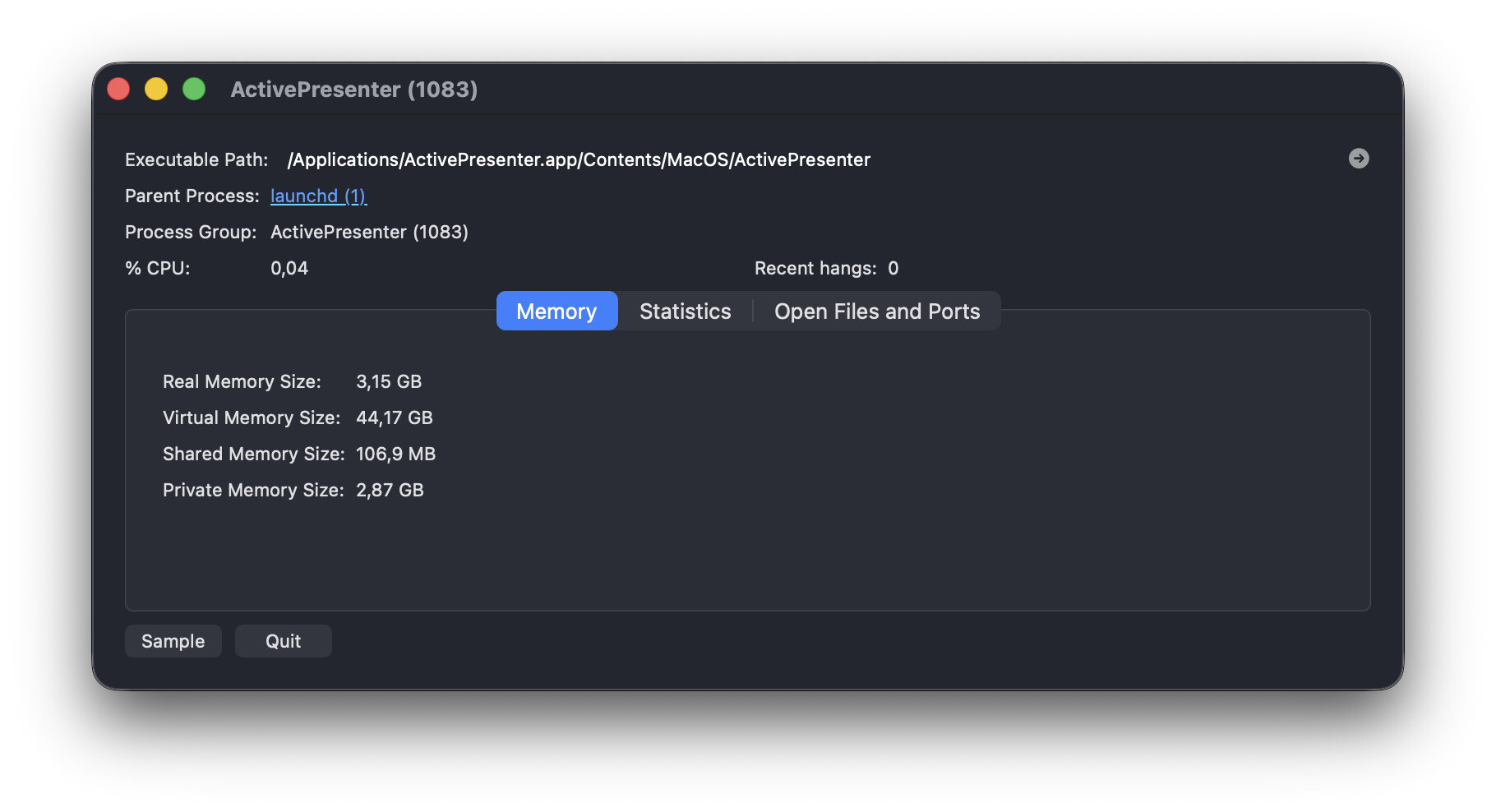
I attached an Activity Monitor process sample captured while ActivePresenter was stuck in this state. It seems the UI closes, but the process remains active in the background.
This issue happens frequently and interrupts my workflow.