It seems when we are importing a powerpoint file to ActivePresenter, no matter what we do, mouse clicks will always advance the slide. I have disabled the Auto Advance checkbox but clicking anywhere still makes it advance.
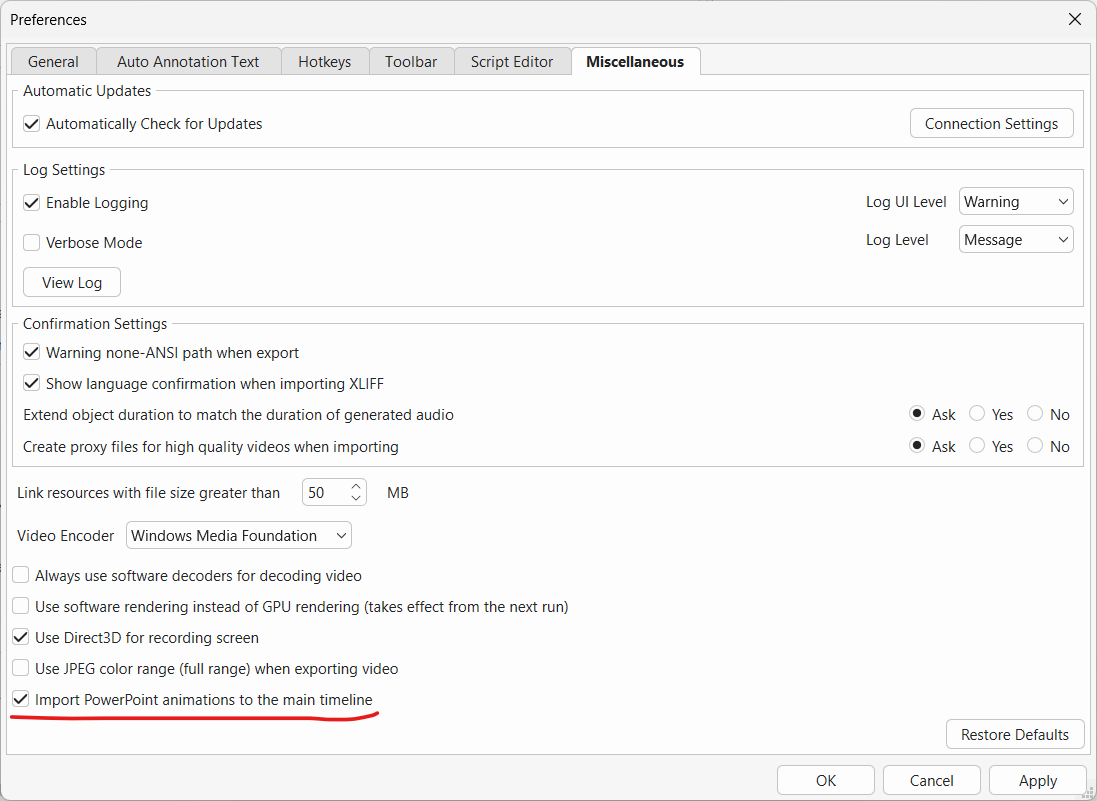
Please make sure the Import PowerPoint animations to the main timeline option is checked in Preferences (File > Preferences > Miscellaneous), then try importing your PPT file again to see if it resolves the issue.